Upload Expense Records
SCR-RECON-06 · Transaction Capture & Reconciliation
ScopedFigma
519:8950design drifted since last syncLayout
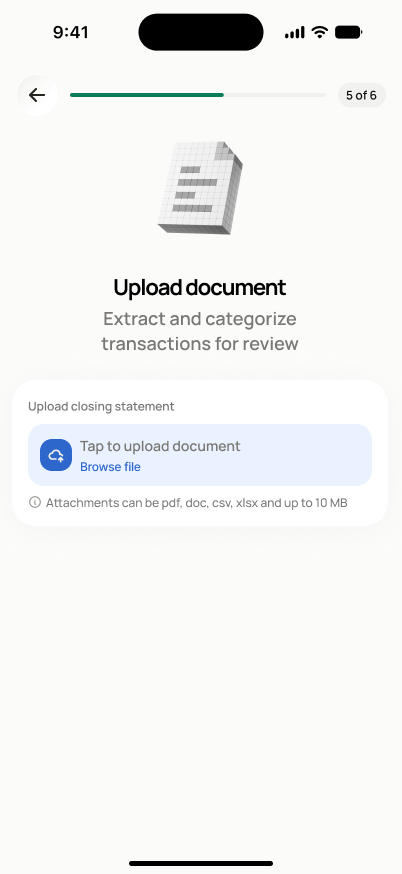
Let a user without a live bank connection add actual spend by uploading a statement or expense records file, with extracted data reviewed before anything is confirmed.
States
- **Default**: empty upload control.
- **Uploading**: in-progress state.
- **Extracted, pending review**: transactions extracted from the file, awaiting confirm/exclude.
- **Extraction failed**: retry, replace file, or switch to manual entry.
Acceptance criteria
- The user can upload a file using the standard file upload flow.
- After upload, extracted transactions appear for review before any are confirmed.
- If the uploaded file overlaps with already-imported transactions, potential duplicates are flagged.
- If extraction fails, the user can retry, replace the file, or switch to manual entry (SCR-RECON-07).
- Extracted transactions are stored with source "uploaded statement" or "uploaded record".
Endpoints
None mapped yet — the backend agent will own these.