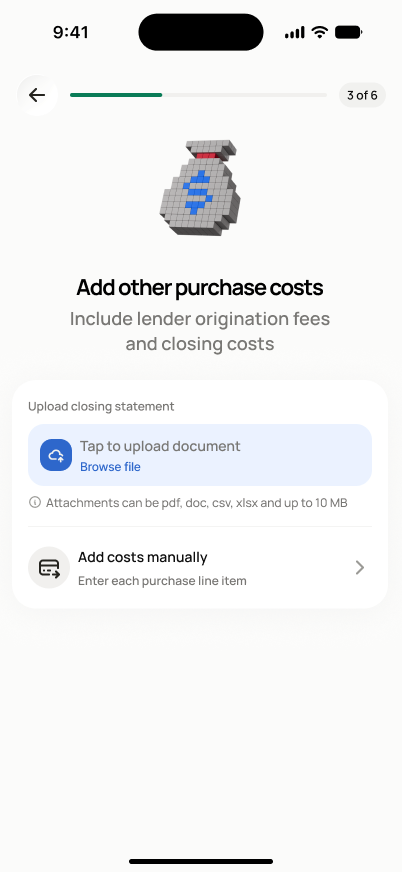
Upload Closing Statement
SCR-BUDGET-03 ·
ScopedFigma
336:47839design drifted since last syncLayout
Let the investor pick, confirm, and upload a closing statement document so its costs can be extracted automatically.
States
- **Default**: no file selected, file-picker prompt shown.
- **File selected**: file name shown, remove/replace available.
- **Unsupported/too large**: clear inline error explaining why, file rejected.
- **Uploading**: progress indicator, upload in flight.
- **Upload failed**: error with retry affordance, selected file preserved.
Acceptance criteria
- I can pick a file from my device after selecting "Upload".
- The file name is shown before upload so I can confirm it is the right file.
- I can remove or replace the file before tapping "Upload & Continue".
- An unsupported file type or a file that is too large shows a clear error message explaining why.
- If the upload fails (e.g. network error), I can retry.
- The uploaded document is linked to this project and the purchase costs section.
Powered by — endpoints · the Backend agent owns these
POST /projects/{project_id}/acquisition-costs/closing-statement