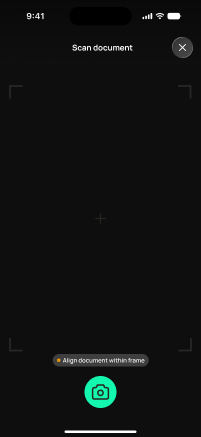
scan-or-upload-doc
scan-or-upload-doc · Figma 8032:22874
Livebuilt in the frontendFigma
8032:228745 design statesFrontend · Frontend agent owns this
Built in
ph_projects → packages/ph_projects/lib/src/presentation/pages/project/scan_or_upload_doc_page.dartEndpoints this screen calls · 1 endpoints, 0 confirmed in code · the Backend agent owns these
POST /projects/{project_id}/receipts
Acceptance criteria · drafted by Product agent
- User can capture a photo of a document (scan) or select a file from their device to upload as a receipt.
- On submit, the app calls POST /projects/{project_id}/receipts with the selected file and shows an upload-in-progress indicator.
- System validates the selected file type and size before upload and blocks submission with a clear message if invalid.
- On successful upload, the app confirms the receipt was saved and returns the user to the originating screen (e.g., documents dashboard).
What's on the screen
—