scan-or-upload-doc
scan-or-upload-doc · Figma 6784:131341
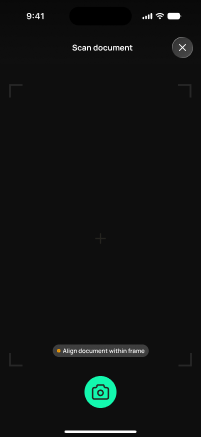
Livebuilt in the frontendFigma
6784:1313414 design statesFrontend · Frontend agent owns this
Built in
ph_projects → packages/ph_projects/lib/src/presentation/pages/project/scan_or_upload_doc_page.dartEndpoints this screen calls · 1 endpoints, 1 confirmed in code · the Backend agent owns these
POST /projects/{project_id}/transactions/{transaction_id}/receipt
Acceptance criteria · drafted by Product agent
- User can either scan a receipt with the device camera or upload an image/file from their device for the selected transaction.
- On submit, the app calls POST /projects/{project_id}/transactions/{transaction_id}/receipt with the captured or uploaded file and shows an upload-in-progress indicator.
- System validates the file type and size before upload and shows a clear error if the attachment is invalid.
- On success, the system confirms the receipt is attached and the transaction's missing-receipt flag is cleared.
What's on the screen
—